
A logistics back-office team needs logistics back office software built around five pillars: a TMS for shipments, EDI for partner data exchange, a billing and AR tool, a document repository for proof of delivery, and a tracking layer for visibility. Then wrap each tool in written SOPs so the work runs the same way every shift.
Last updated: 2026-06-17
A back office that runs on email threads and spreadsheets will hit a wall fast. Loads slip. Invoices go out late. Carriers call about paperwork nobody can find. The fix is not more people working harder. It is the right tool stack paired with processes that make the work repeatable.
Below is the standard stack a 3PL or freight brokerage back office should run, plus the SOPs that keep it humming. If you are building an outsourced team, this is also your blueprint for what to spec before anyone touches a load.
The Core Logistics Back-Office Software Stack
Most back offices need five categories of software. Some platforms bundle several of these together. Tools like McLeod and Aljex fold tracking and billing into the TMS itself. The point is coverage, not the number of logins.
The TMS market reflects how central this tooling has become. The global transportation management system market was estimated at USD 18.56 billion in 2025 and is projected to reach USD 68.36 billion by 2033, a 17.8% compound annual growth rate. North America leads that demand.
Here is the stack, with what each layer does and example tools.
| Layer | What it does | Example tools |
|---|---|---|
| TMS (transportation management system) | Order entry, load building, carrier assignment, rating | McLeod, Tai, Aljex, Turvo |
| EDI / API integration | Automated data exchange with shippers and carriers | SPS Commerce, Cleo, MercuryGate connectors |
| Billing and AR | Invoicing, carrier settlement, accounts receivable | QuickBooks, HubTran, Denim |
| Document management | POD, BOL, rate confirmations, audit trail | Transflo, Vector, native TMS storage |
| Tracking and visibility | Real-time location, ETA, exception alerts | project44, FourKites, MacroPoint |
You do not need premium tools in every row on day one. A small brokerage can start with a mid-tier TMS plus QuickBooks for AR and a free tracking integration, then add layers as volume grows.

What a TMS Is and Why the Back Office Lives in It
A TMS is the system of record for every shipment. One place holds the order, the carrier, the rate, the status, plus all the paperwork. Without a TMS, that data scatters across inboxes and sticky notes. Visibility dies with it.
For the back office specifically, the TMS is where order entry happens and where loads get tracked. It is also where exceptions surface before a customer calls angry, and it feeds your billing and your reports. Pick the wrong TMS and every downstream process inherits the pain.
A good TMS automates the repetitive parts of back-office work. That matters because margins are thin. FreightWaves reports that a representative mid-market brokerage spends roughly $205 per load to move freight while generating only $189 in gross margin. When you lose money per load, cutting back-office cost is survival, not optimization.
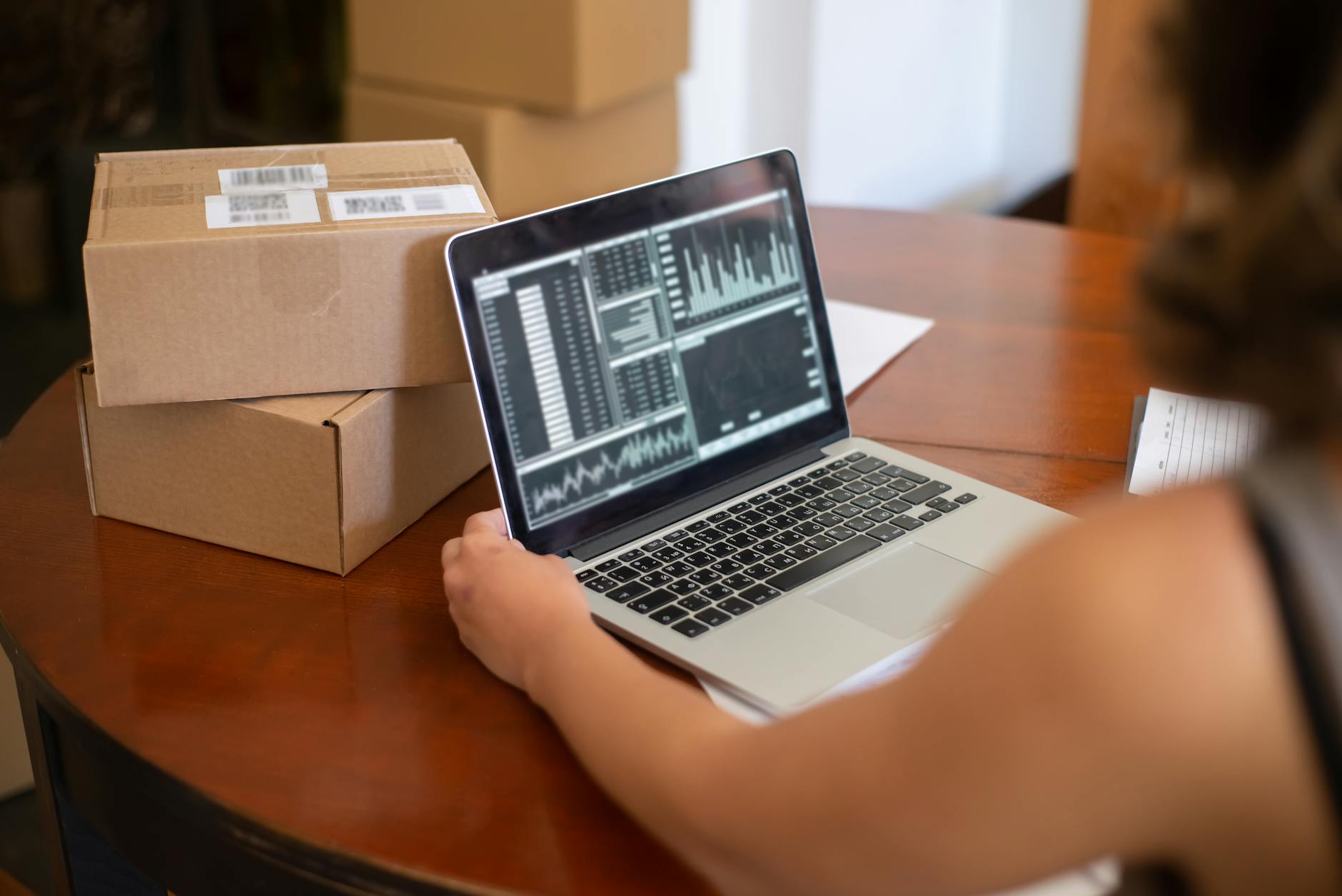
What Back-Office Tasks a TMS Can Automate
The right TMS configuration removes manual steps that eat hours and create errors. Here is what you can hand to the system.
- Order entry: Inbound EDI or API feeds create loads automatically, no rekeying.
- Carrier assignment and rating: Rules match loads to preferred carriers at agreed rates.
- Status updates: Tracking integrations push location and ETA without phone calls.
- Invoice generation: Completed loads trigger draft invoices tied to the rate con.
- Exception alerts: Late pickups or missing PODs flag automatically for follow-up.
Automation pays off in hard numbers. EDI alone, the backbone of automated order and invoice flow, can eliminate the bulk of manual data entry and slash paper and processing costs across the order-to-cash cycle. Every minute your team is not rekeying a load is a minute spent on exceptions that actually need a human.

The Processes and SOPs a Back Office Must Run
Software without process is just expensive chaos. The tools give you the rails. The SOPs (standard operating procedures, your written step-by-step instructions) tell people exactly how to run on them.
A logistics back office should document and run these core processes:
- Order entry and validation: How a load gets entered, what fields are mandatory, how you confirm rates.
- Carrier follow-up: Who calls when, the check-call cadence, how you log updates.
- Exception handling: The decision tree for late loads, detention, and damage claims.
- Document collection: How POD and BOL get captured, named, and filed before billing.
- Invoicing and collections: When invoices go out, the dispute path, and AR follow-up timing.
Each process needs an owner, a trigger, plus a clear definition of done. “Done” for order entry might mean the load is in the TMS with a confirmed rate and an assigned carrier. Clear endpoints stop work from falling through the cracks.

How to Document Logistics Back-Office SOPs
Good SOPs are short and specific, with plenty of screenshots. Nobody reads a 40-page manual. Write each procedure as a numbered checklist a new hire can follow on their first day.
Start with your five core processes above. For each one, capture the trigger (what starts it), the steps (with screenshots from your actual TMS), the tools involved, and the handoff (who gets it next). Store everything in one place your whole team can reach, whether that is Notion, Google Drive, or a wiki built into your TMS.
Then keep them alive. Review SOPs every quarter and after any tool change. An outdated SOP is worse than none, because people trust it and get it wrong. This documentation discipline is exactly what makes an outsourced logistics back-office team able to deliver consistent quality from day one. When the process is written down, the work does not depend on one person’s memory.
Tooling and Process for an Outsourced Team
If you outsource your back office, the stack and the SOPs become the contract. A good nearshore partner plugs into your existing TMS rather than forcing a migration. They learn your processes, then run them inside your systems.
This is where a logistics-native partner earns its keep. RAM BPO already runs its own recruiting and hiring pipeline, so a team starts sooner than you could staff the same desk yourself, as long as the SOPs and tool access are ready to hand over. The same logic covers cost: recruiting, benefits and payroll move off your books into a single managed fee, and what you save depends on the roles you would otherwise fill locally. The model holds up because the team runs your documented processes inside your software, not a parallel set of tools.
For a fuller view of how outsourcing fits the broader function, see our guide to logistics back-office outsourcing. It connects the tooling here to the staffing decision.
Frequently Asked Questions
What software does a logistics back office use?
A logistics back office runs five core tool types: a TMS for shipment and order management, EDI or API integrations for partner data exchange, a billing and accounts receivable platform, document management for PODs and BOLs and a tracking layer for real-time visibility. Many TMS platforms bundle billing and tracking, along with document storage, into one system.
What is a TMS and why does a back office need one?
A TMS, or transportation management system, is the central record for every shipment: the order, carrier, rate, status and paperwork in one place. The back office needs it because order entry, load tracking, exception handling and invoicing all live inside it. Without a TMS, that data scatters across inboxes and spreadsheets and shipment visibility collapses.
What processes should a logistics back-office team have?
A back-office team should run documented processes for order entry and validation, carrier follow-up, exception handling, document collection and invoicing with collections. Each process needs a clear owner, a defined trigger and a measurable definition of done. Written SOPs keep the work consistent across shifts and make onboarding new staff far faster.
What tools do freight brokers use for back office?
Freight brokers typically use a brokerage-focused TMS such as Aljex, Tai, or McLeod, paired with EDI connectors for shipper integration, an AR tool like Denim or HubTran for carrier settlement and a document platform such as Transflo. Tracking integrations like MacroPoint round out the stack for real-time load visibility.
How do you document logistics back-office SOPs?
Write each SOP as a short, numbered checklist with screenshots from your actual TMS. Capture the trigger and the steps, then note the tools used and the handoff to the next person. Store all SOPs in one shared location your team can reach. Review and update them every quarter and after any software change.
What back-office tasks can a TMS automate?
A properly configured TMS automates order entry from EDI or API feeds, carrier assignment and rating by rules, shipment status updates from tracking integrations, invoice generation tied to rate confirmations and exception alerts for late loads or missing paperwork. This frees your team to handle the exceptions that genuinely need human judgment.
Key Takeaways
- A complete logistics back-office stack covers five layers: TMS, EDI, billing/AR, document management and tracking. Start lean and add layers as volume grows.
- The TMS is your system of record; order entry, tracking, exception handling and invoicing all run inside it.
- Automation matters because margins are thin. Cutting back-office cost per load is survival, not a nice-to-have.
- Software without SOPs is chaos. Document five core processes with clear owners, triggers and definitions of done.
- Keep SOPs short, screenshot-heavy, and reviewed quarterly so the work never depends on one person’s memory.
Getting this stack and these processes right is the difference between a back office that scales and one that becomes a bottleneck. If you would rather hand the running of it to a logistics-native team that plugs into your TMS and follows your SOPs, that is exactly what RAM BPO was built to do. Take a look at our logistics back-office services and see how a documented, well-tooled operation can free you to grow.